Case Study: Compass
Context:
At Hart, we set out to solve a simple but painful problem: clinicians were making decisions with access to maybe a quarter of a patient’s history. Clinicians should not have to guess. Our mission was to give them the full story in real time, regardless of where the data lived.
Before Compass, most care teams were making decisions with a partial view of a patient’s history, often 20 to 25% on a good day. The rest was trapped in other EMRs, scanned documents, legacy archives, or fax workflows. We built Compass and Clarity to collapse that mess into a single experience that clinicians could trust.
Problem:
The problem was not just access. It was speed, trust, and workflow fit.
Data was scattered across EMRs and legacy systems, each with its own viewer and workflow
Clinicians were lucky if they saw 20-25% of a patient’s true history during a visit
Hospitals were still faxing records around, duplicating charts, and losing time to manual retrieval
Even when records were available, the experience made it hard to find what mattered quickly
Data without context (EMR source, time, encounter) created risk, not clarity
Table Stakes for the project:
We aligned early on a few “non-negotiables”:
It had to work across EMRs (Epic, Cerner, Oracle, etc.) without requiring a new workflow for each system.
It had to be fast enough for a live visit, not just “fine for admin work.”
It had to be clinically safe, meaning accurate provenance, clear timestamps, and confidence in what you were seeing.
It had to support both data and documents, because clinical truth lives in both places.
Baseline experience
The baseline reality looked like this:
Records were split across multiple systems, each with its own login, UI, and search model
Clinics wasted hours requesting, faxing, chasing, and scanning documents
Clinicians made decisions with incomplete history, or relied on the patient’s memory
“Document viewing” often meant opening low quality scans inside clunky viewers that were painful to search and slow to load
Compliance and reporting programs (like HEDIS) created pressure to find proof in the record, but the proof was not easy to access
Goal & success metrics
The goal was to increase clinical confidence while reducing time and operational drag.
Here are the kinds of metrics we used:
Clinical workflow metrics
Time to find key history (meds, allergies, prior imaging, discharge summaries)
% of visits where clinicians accessed outside records
Reduction in “I can’t find it” escalations to HIM/informatics teams
Operational metrics
Reduction in fax requests and manual record retrieval tasks
Drop in duplicated records and duplicate document scanning
Decrease in average record retrieval cycle time
Product performance metrics
Page load time and time to first meaningful render
Search success rate (search to result to action)
Viewer engagement depth (records opened per session, time in session)
Safety and trust metrics
Accuracy validation pass rate against source systems
Audit and provenance completeness (source, timestamp, encounter mapping)
What we learned from users
We spent time with CIOs, CMOs, nurses, and informatics, but the biggest truth came from watching clinicians in the middle of a day that was already too busy.
Common themes:
Clinicians do not want “more data.” They want the right data, faster.
If the viewer feels slow, they abandon it immediately and go back to the old way.
Provenance matters. If you cannot tell where something came from, you will not trust it.
The UI has to handle both structured clinical data and messy documents without turning into a junk drawer.
Most systems fail at the last 10%: edge cases, weird documents, inconsistent metadata, missing timestamps, misfiled encounters.
My Role:
I led product for Compass end-to-end. That included discovery with clinical and operational leaders, scoping and roadmap planning, workflow mapping, validation and usability testing, and rollout across health system environments. I worked directly with engineering, design, informatics, and compliance to make sure what we shipped was fast, accurate, and actually fit clinical reality.
Led product for the viewer and archive, from early discovery with clinical and operational leaders through design, implementation, and rollout.
Worked directly with CIOs, CMOs, nurses, informatics teams, and compliance to map real workflows and edge cases.
Partnered with design to build a system that could handle both dense data and rich documents without overwhelming users.
Defined metrics around data completeness, load performance, and usage patterns to guide iteration.
What we built
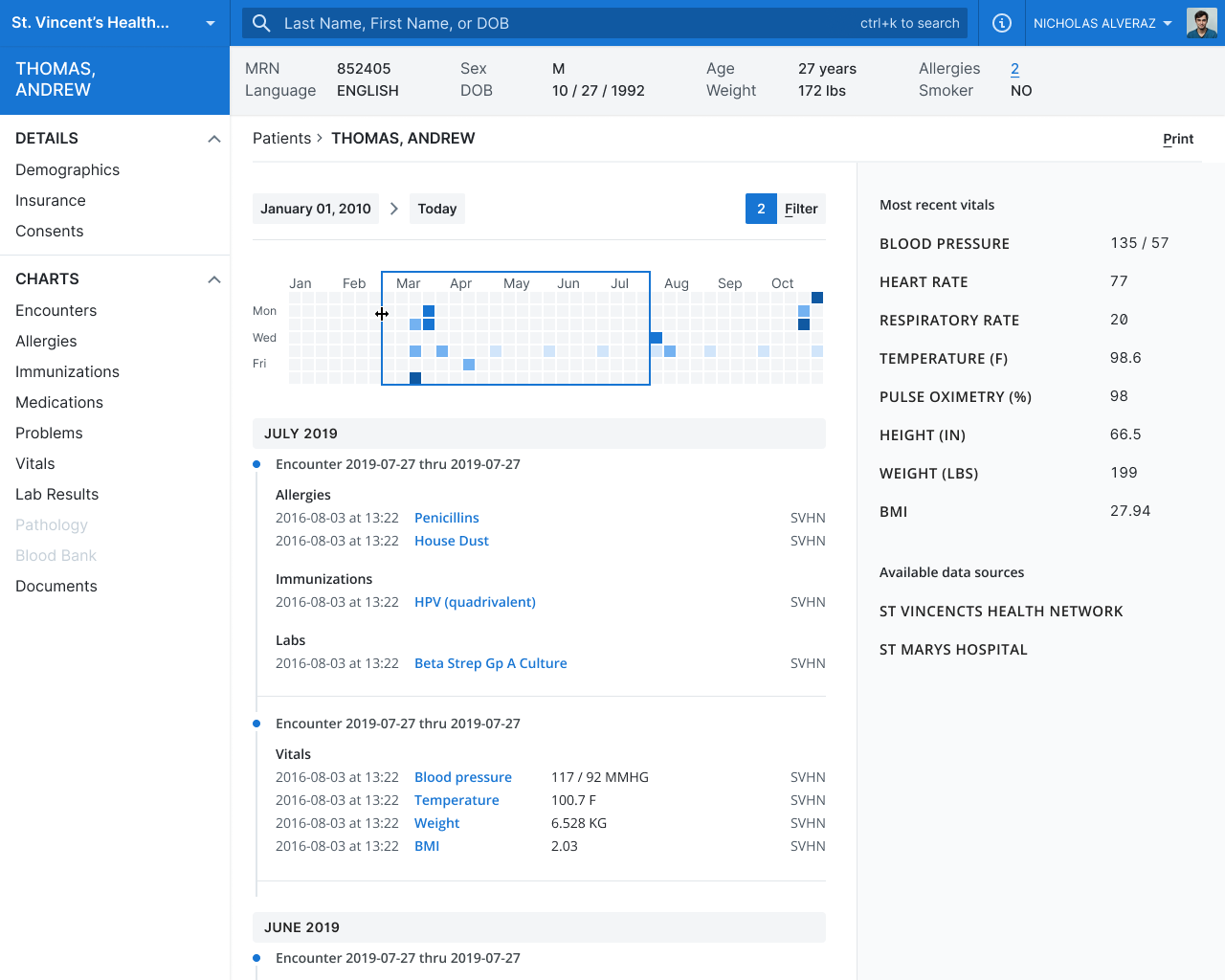
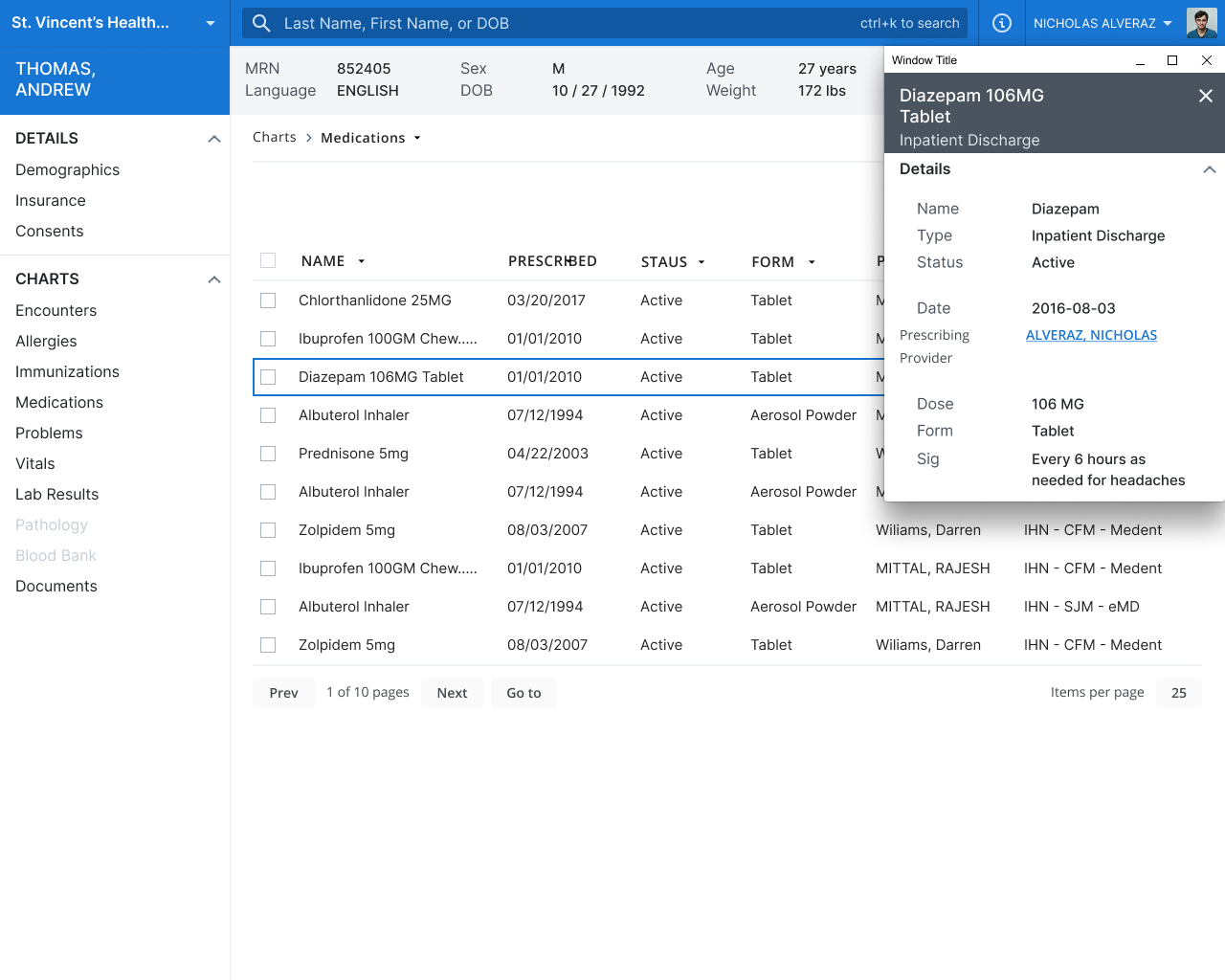
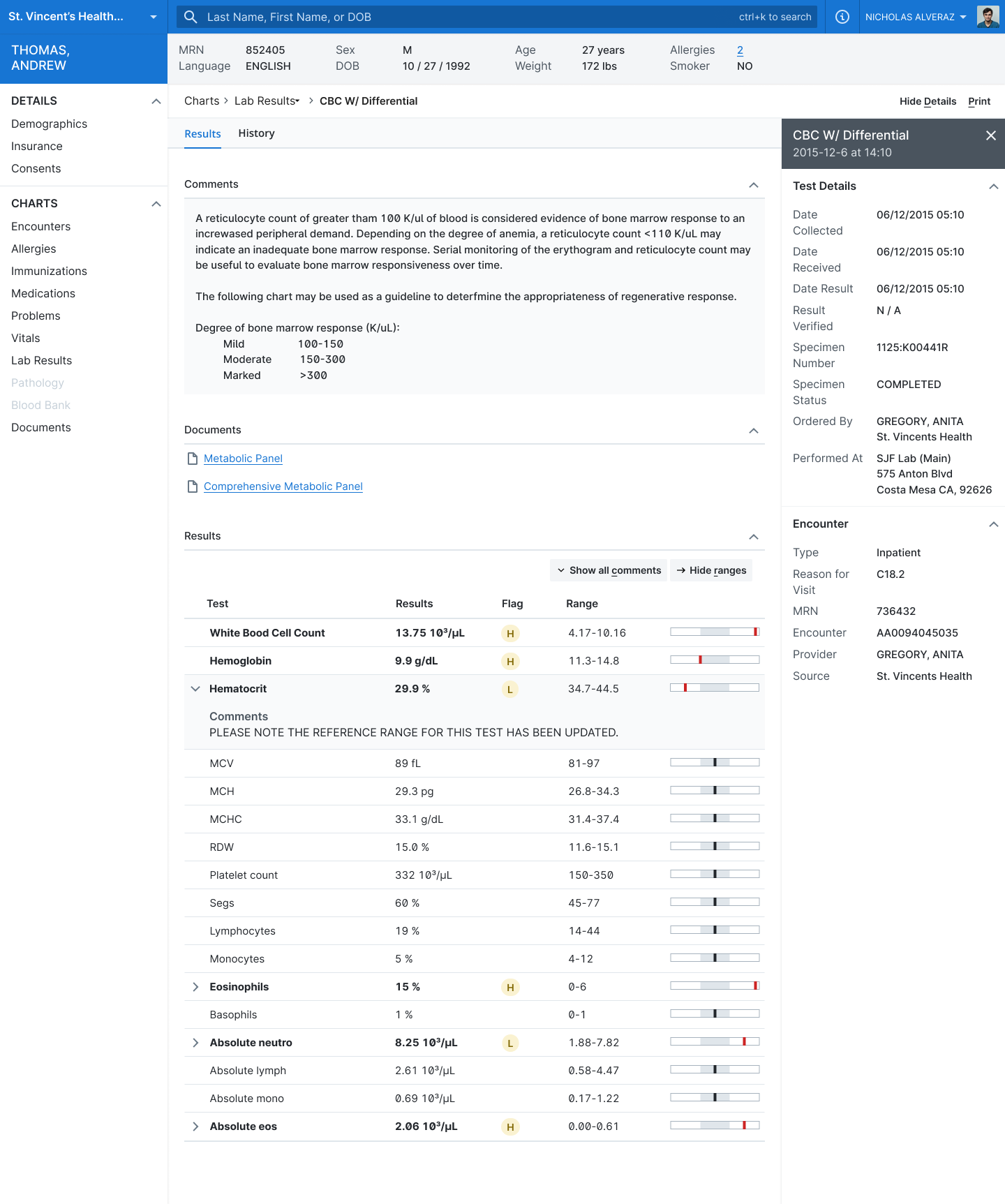
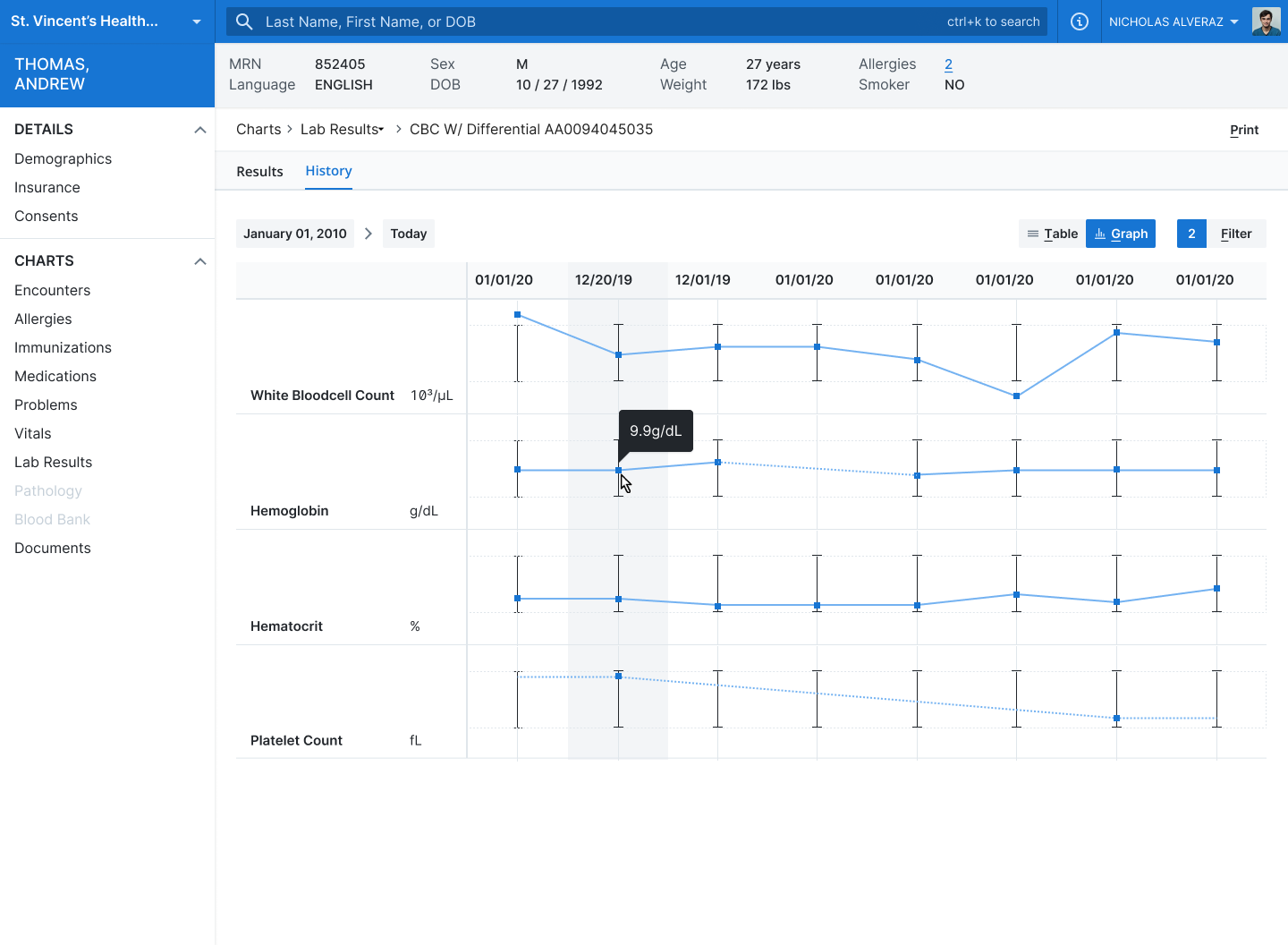
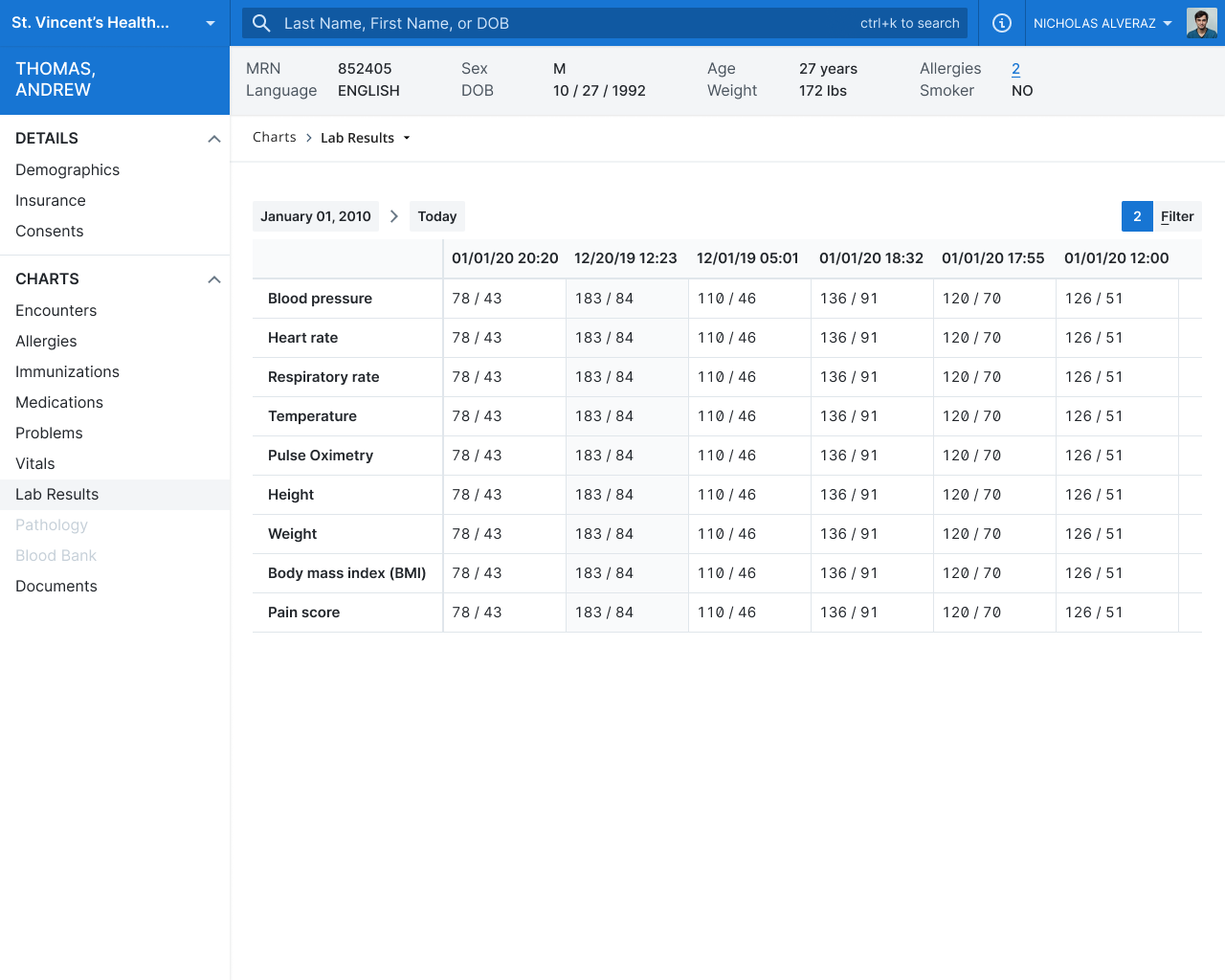
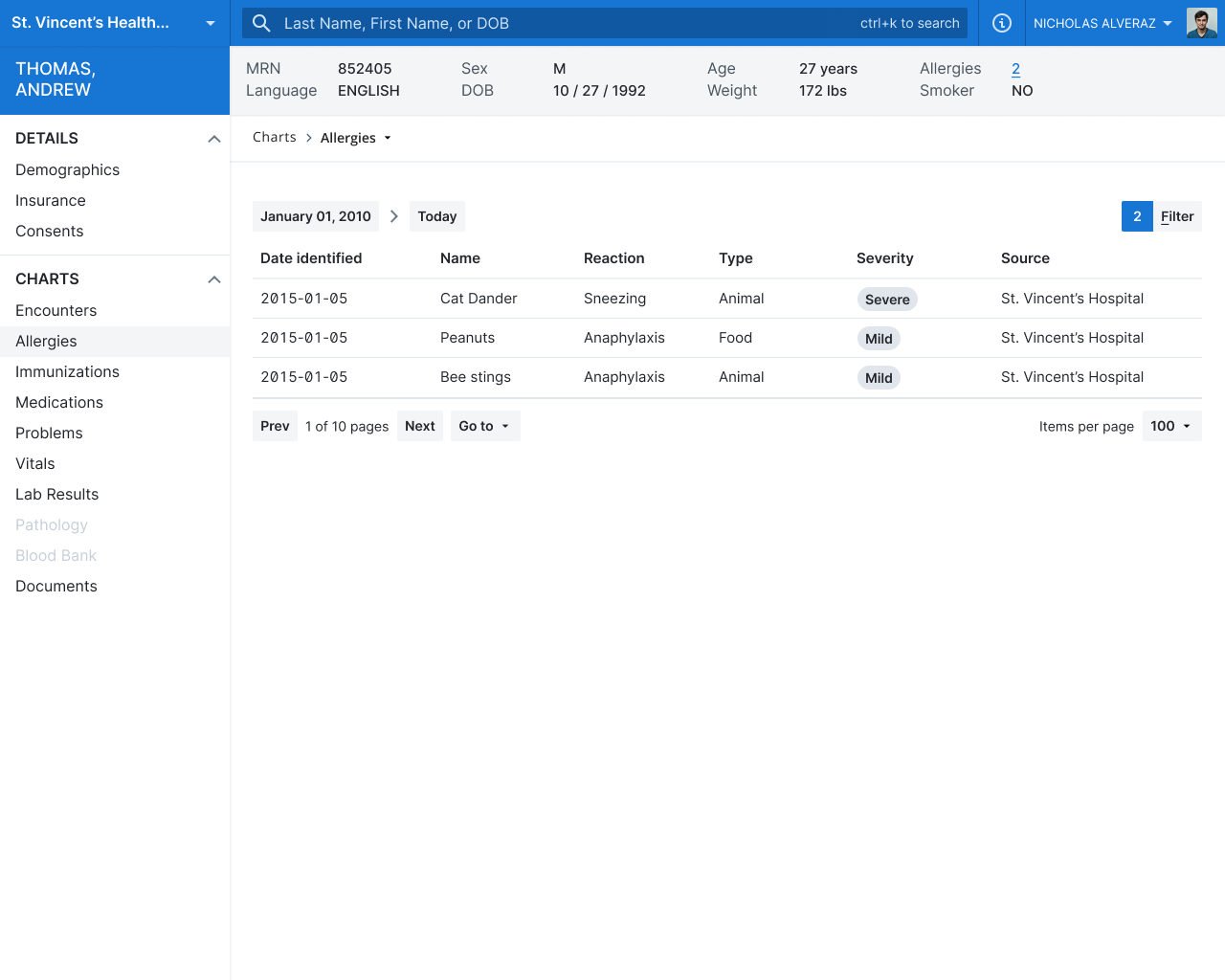
A real-time clinical record viewer
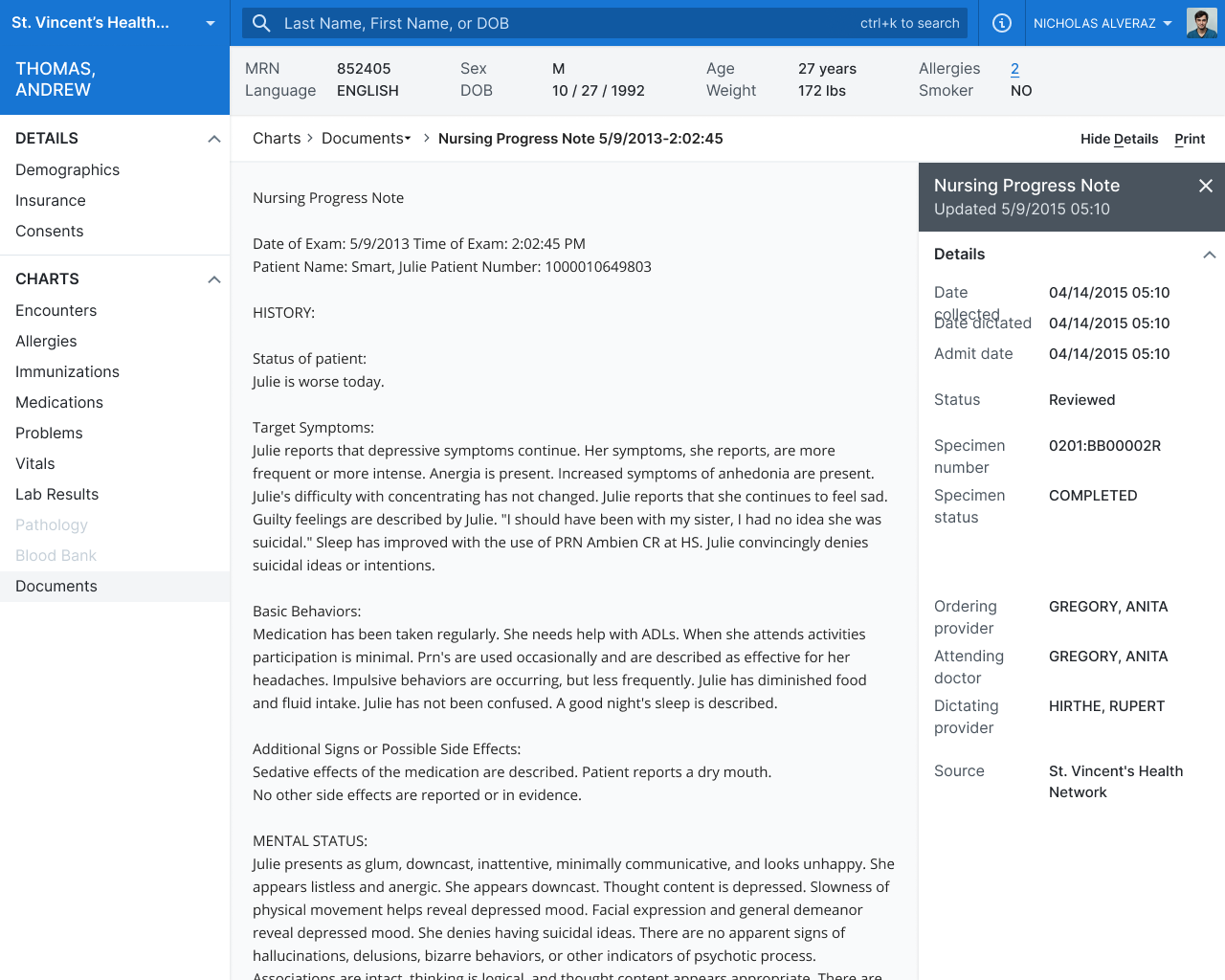
A unified view that could pull data regardless of the underlying EMR, optimized for speed and clarity.A universal archival viewer
A document and history viewer that let hospitals consolidate legacy EMR data into one place while supporting compliance needs (including reporting workflows like HEDIS).Performance that felt instant
We treated speed as a core feature. Pages loaded so fast early users assumed results were preloaded.
Results and impact
Compass changed what “normal” looked like.
Clinicians went from seeing a small slice of history to having access to 10+ years of records during a visit
They could catch conflicting prescriptions, adherence issues, and dangerous patterns that were invisible before
Hospitals saw a reduction in record duplication and smoother reporting workflows
They could see conflicting prescriptions, adherence patterns, and risk signals that had been invisible before.
Clinics cut out hours of faxing and manual record retrieval, and hospitals saw a drop in record duplication and smoother reporting workflows.